The payout is not the revenue. The books know the difference.
A marketplace deposit is a sum of sums: what sold, minus the platform's cut, minus shipping, minus affiliates, plus the refund that came back. FoundrySuite splits the payout before it books it, so the ledger says what actually happened — on the machine behind the till.
The four jobs, in order
A retail business is a loop: stock in, sale out, payout split, tax counted. FoundrySuite does all four in one system rather than four.
1. Stock
An item catalogue with costs, and inventory that moves when you buy and sell — so the shelf and the balance sheet agree.
2. Sell
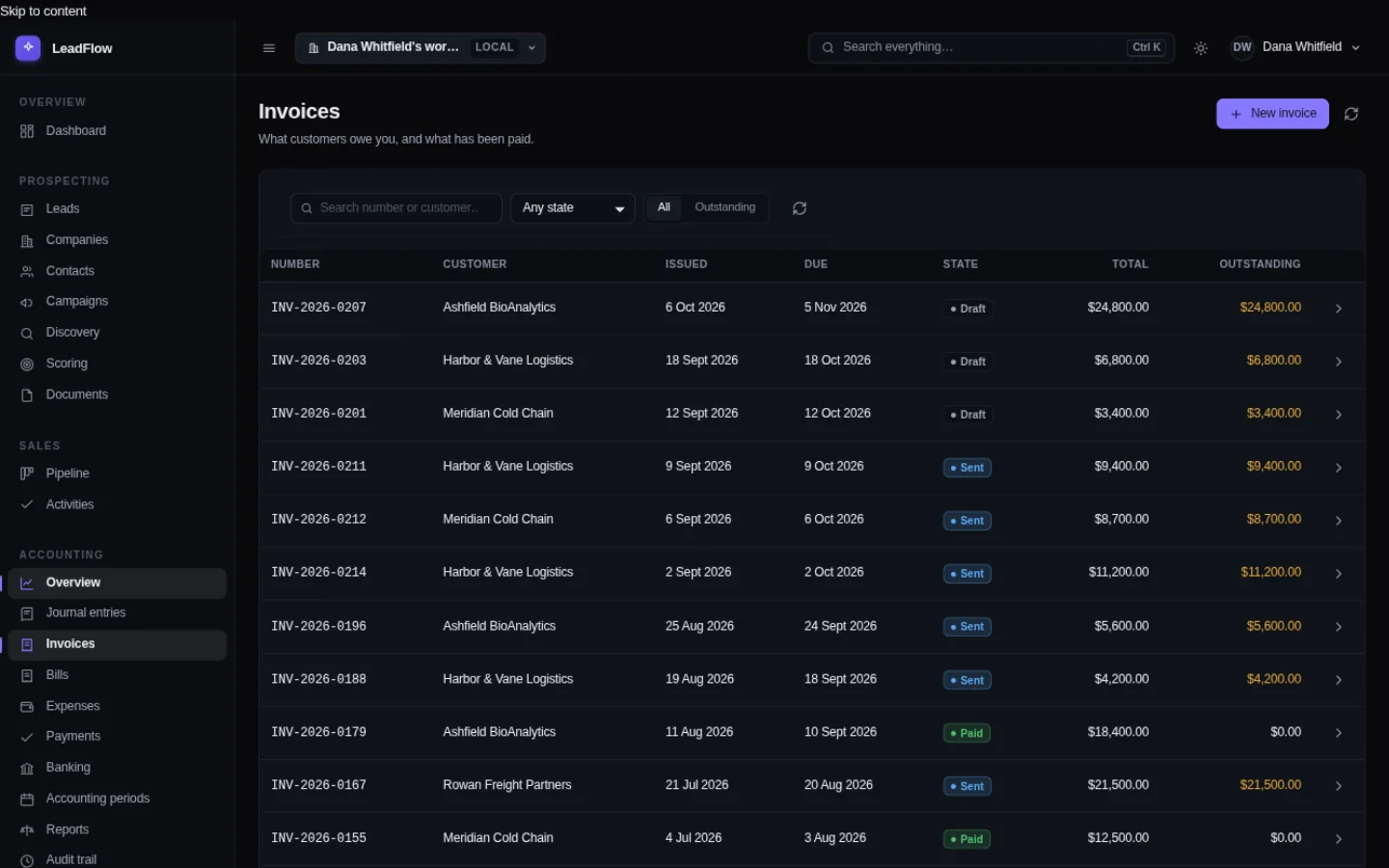
Sales raise invoices that post their own entries. Receipts and invoices arrive in the same ledger as the rest of the money.
3. Split
The platform's payout file is split into gross sales, fees, shipping, affiliates and refunds — each on its own account, balanced to the bank line.
4. Tax
The sales tax center counts taxable and non-taxable sales per period, and the liability is a report, not a reconstruction.
The day's takings, on the record
The screens a retail owner checks before the bank does, in one window, already totaled.
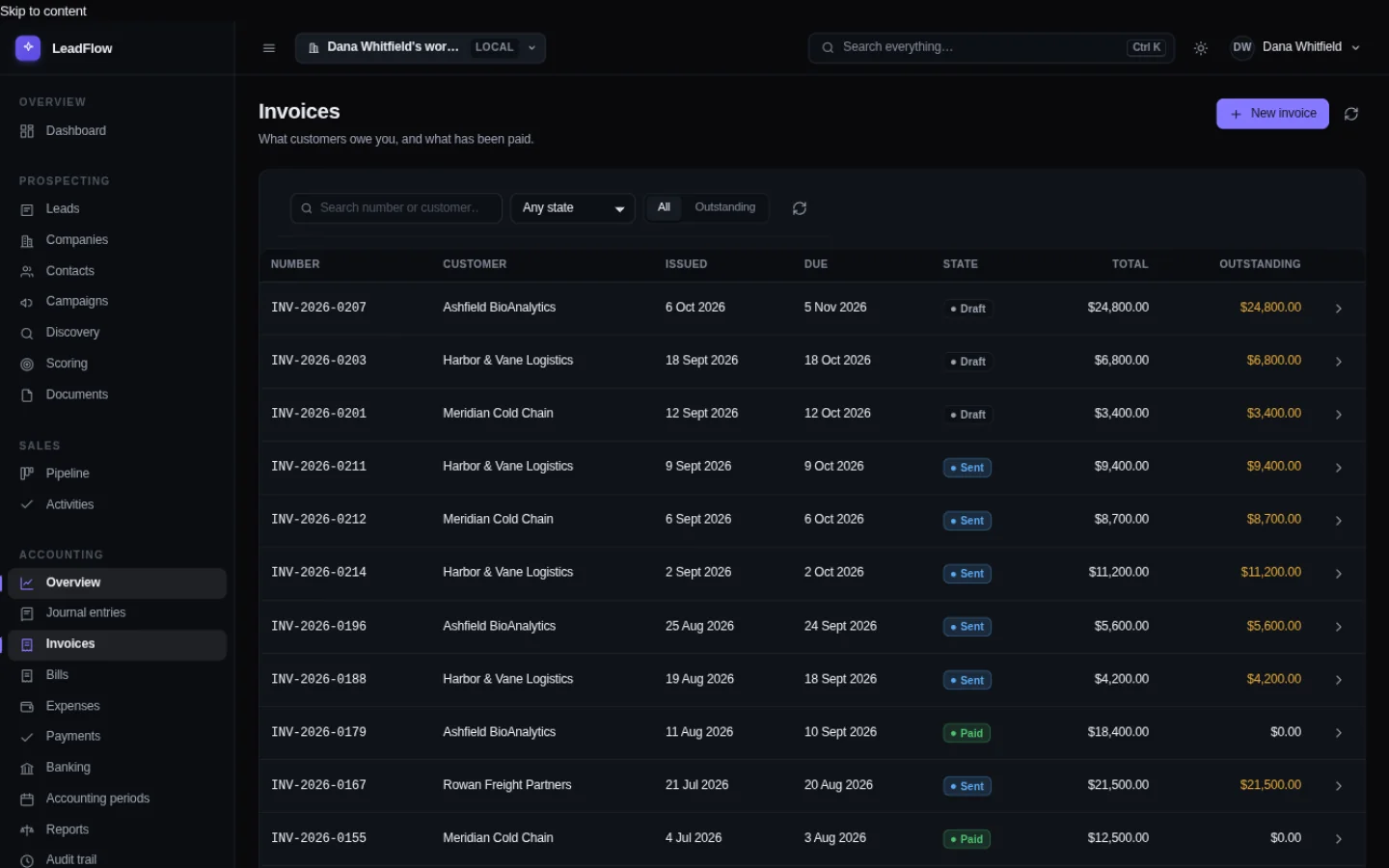
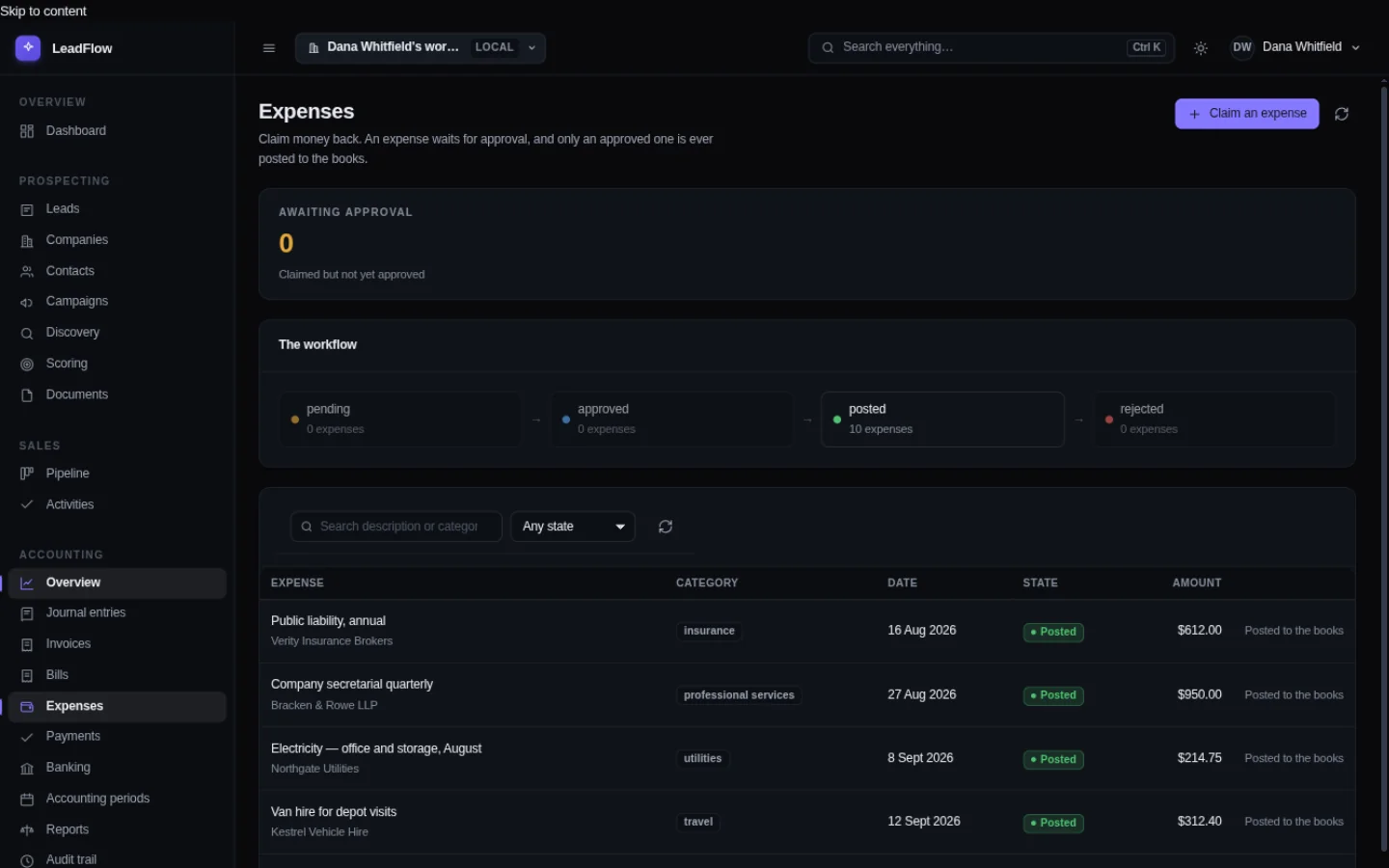
The payout split is a draft until a person posts it. The figures come from the platform's own file, and every component lands on the account it belongs to.
The payout, taken apart
The deposit that arrives is not the sale. It is the sale minus the platform's fee, minus the shipping you charged, minus the affiliate's cut, plus the refund that reversed. Booked as one number, none of those are ever visible again — and the tax figure is wrong in a way nobody notices until the notice arrives.
FoundrySuite reads the payout file from TikTok Shop, Shopify, Etsy or Square, splits it by its own columns, and posts the balanced result. Gross revenue, merchant fees, shipping and refunds each have an account, so the reports answer the questions a retailer actually gets asked.
And the books have to be right
- Fees are costs, not mysteries. The platform's cut is an expense you can see and total.
- Refunds reverse the sale. They land on the refunds account, not as negative revenue typed by hand.
- The books balance. Every posted entry balances to the cent or it is refused — which matters when your accountant runs a query.
- Tax is counted, not guessed. Taxable and non-taxable sales, per period, from the same records.
- Nothing depends on the signal. Items, sales, splits and the ledger are all local operations.
Need to get sign-off from the owner, partner, or board? Share this 30-second summary:
- The Workflow Win: Sales, payouts and the general ledger in one instant desktop workspace — the marketplace deposit is split and booked without a spreadsheet in between.
- The Financial Pitch: $110/mo for 24 months, $200/mo for 12 months, or a $2,200 one-time license (partner discounts available at checkout) replaces $3,600+/yr in separate CRM, invoicing, and bookkeeping subscriptions — with $0 renewal fees, forever.
- The Risk & Compliance Win: 100% local data storage with an immutable double-entry audit trail, zero cloud sub-processors, and a sales tax center that turns the same records into the liability figure.
- Zero-Risk Evaluation: A full 30-day offline trial with no credit card required. Resume your current tools in parallel — nothing to migrate, nothing to uninstall.
The AI, for retail & e-commerce
The useful parts are unglamorous: reading a supplier invoice you photographed in the stockroom, categorizing an expense, summarizing the month before you order, and drafting the customer reply you will actually send.
It drafts and summarizes. It cannot issue an invoice, post to the ledger, or change what a customer owes. Those are computed by rules and confirmed by you — which is the correct arrangement for a business where a mistake is expensive and obvious.
Things worth knowing first
- It runs on the till PC. No graphics card, no subscription, no metering — you are not paying per sale.
- If you work mostly on a phone, this is not phone software. It is a desktop program you can open on a laptop, tablet or second machine in the office.
- Online research needs a connection. Everything else does not.