Inquiry, job, invoice, paid. In that order, with the paperwork already done.
Most trade businesses are running their whole operation out of a phone, a notebook and a folder of PDFs in the footwell. FoundrySuite is the same information in one place, on the laptop that is already in the van, working when the signal is not.
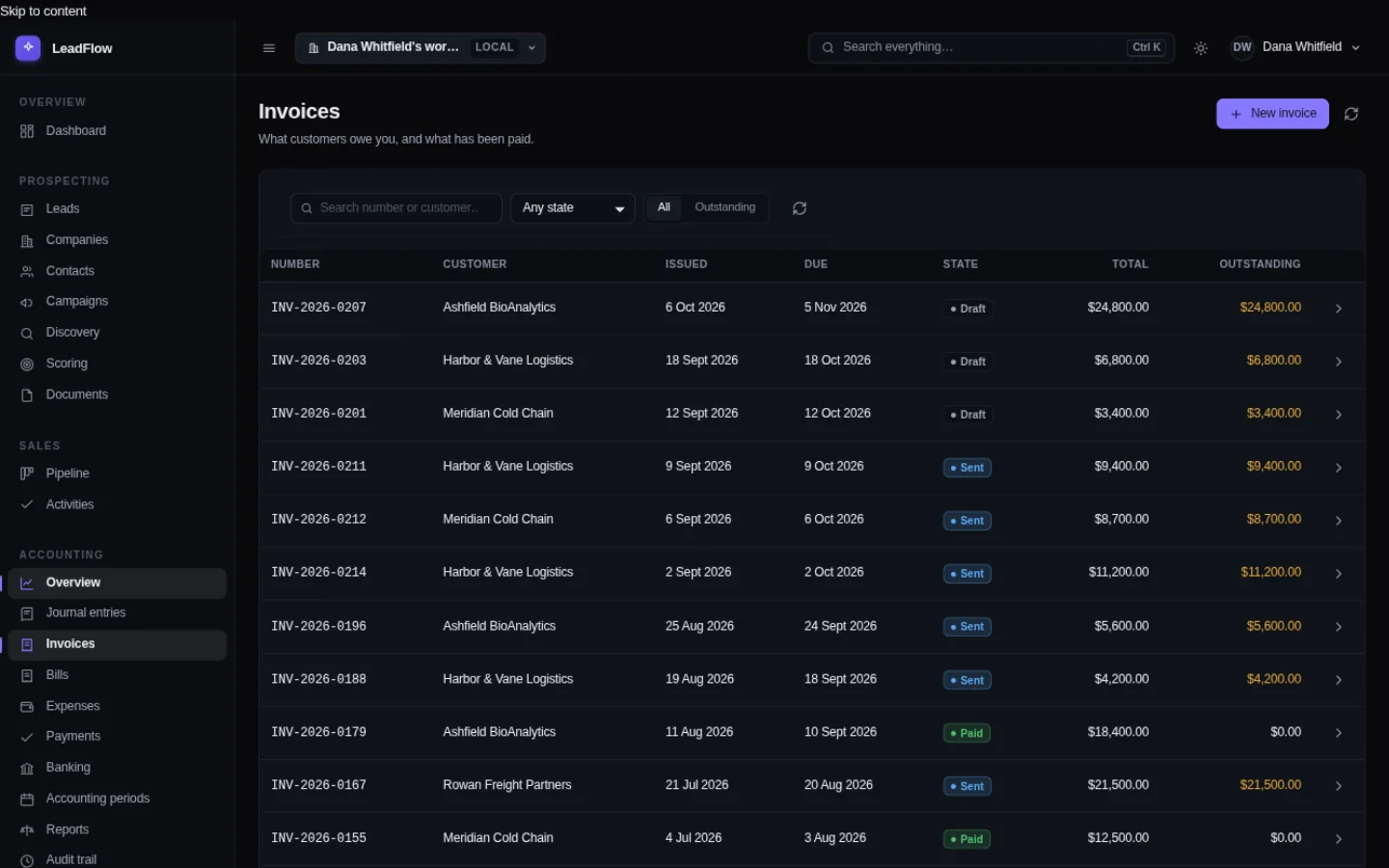
The four jobs, in order
This is the whole business, and FoundrySuite does all four in one system rather than four.
1. Quote
Find the customer, see what they had before, see when they last called. Quote from the history rather than from memory.
2. Work order
Record the work against the job card: parts, labor, hours. The next action is on the system instead of in your head, which is where the follow-ups go to die.
3. Invoice
Generate it, and read the PDFs that come back — supplier invoices, guarantees, certificates — with the fields on them already extracted.
4. Paid
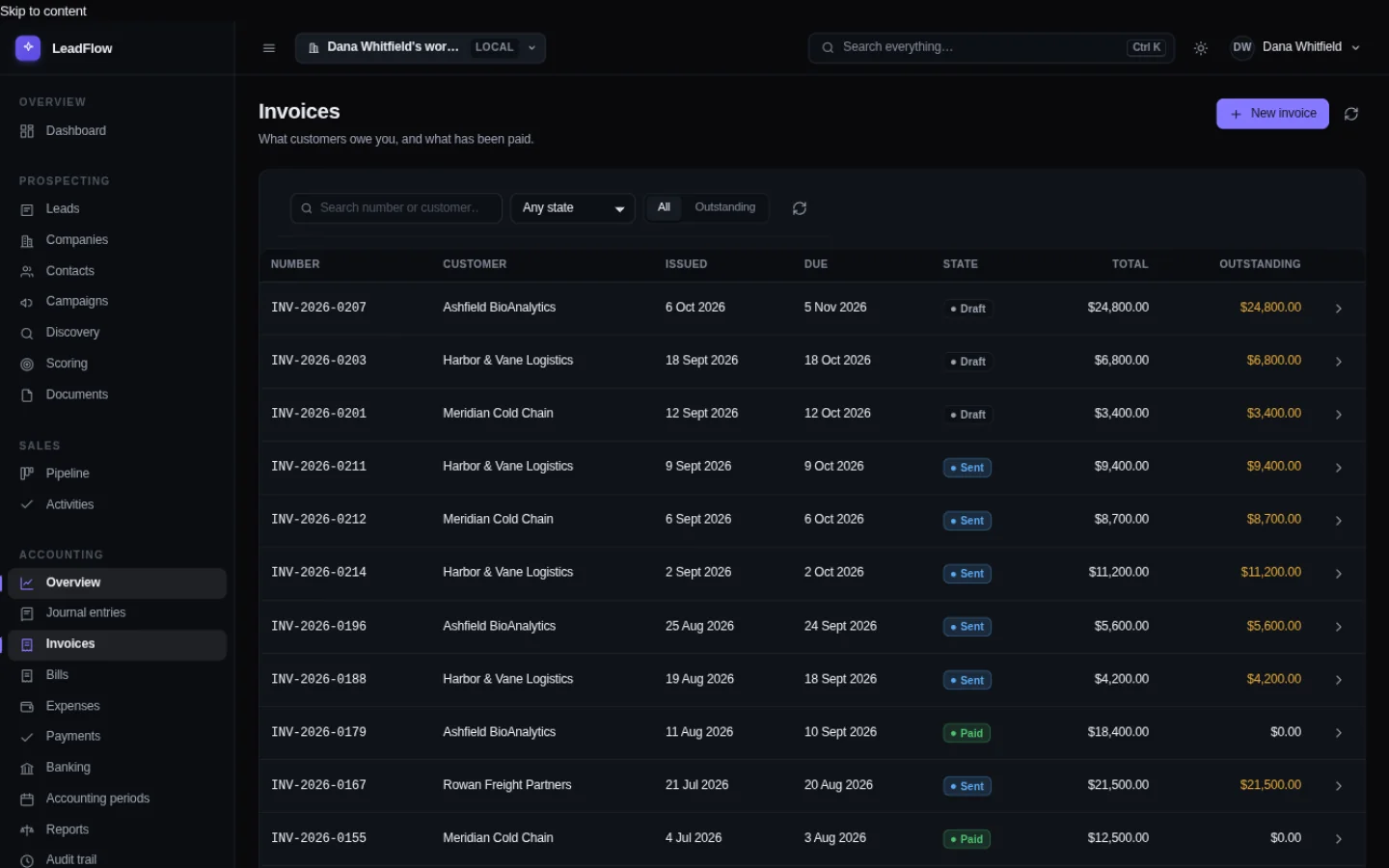
Payments against invoices move the balance. What is owed to you and what you owe is a number, not a reconstruction.
Steps 3 and 4, on the record
The paperwork a trade business is most often holding in a folder, in one window, with the balance already worked out.
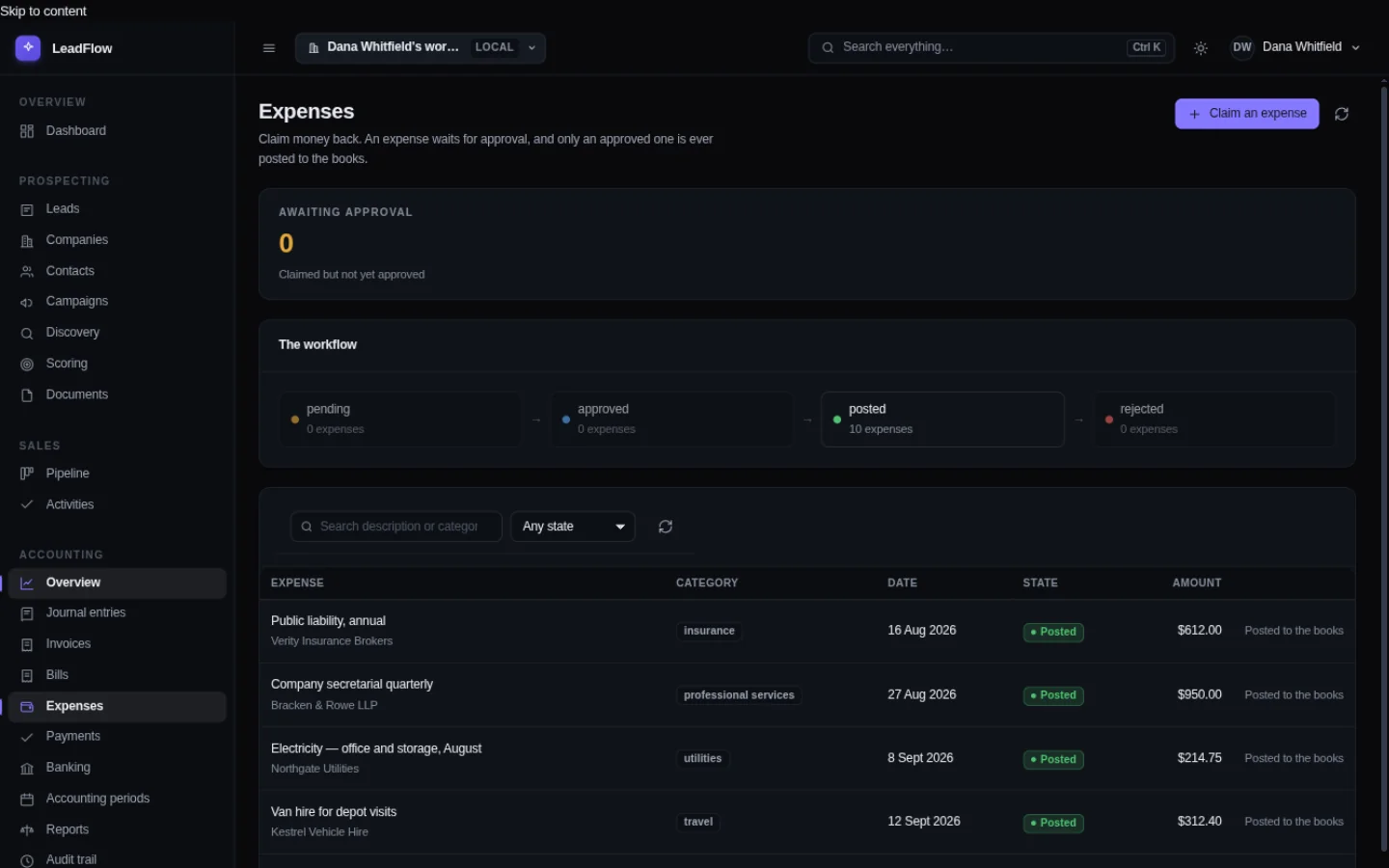
When you photograph a supplier's PDF, it is read on that laptop, in that parking lot, and the fields come back ready to file. No upload, no account, no signal required.
It has to work in a van
That is not a nice-to-have; it is the actual working environment. A business tool that needs a connection is a business tool that gets used at the kitchen table at nine in the evening instead.
Everything in FoundrySuite runs on the machine: the database, the document reader, the search, and the model — which you supply rather than download. Once you have pointed it at one, the network is optional for everything except looking a company up online.
And the paperwork has to be right
- Receipts go in, fields come out. A photograph or a PDF of a supplier invoice is read locally and the fields are ready to file.
- Estimates and expenses attach to the right job. So a job's margin is a number when the customer asks.
- Sales tax and Schedule C categories are the same system as the ledger. Not a separate spreadsheet that is always three weeks behind.
- The books balance. Every posted entry balances to the cent or it is refused — which matters when your accountant runs a query.
- Nothing depends on the signal. Quotes, jobs, invoices and the ledger are all local operations.
Need to get sign-off from the owner, partner, or board? Share this 30-second summary:
- The Workflow Win: Replaces separate CRM and bookkeeping tools with one instant desktop workspace—eliminating double data entry between quotes, invoices, and the general ledger.
- The Financial Pitch: $110/mo for 24 months, $200/mo for 12 months, or a $2,200 one-time license (partner discounts available at checkout) replaces $3,600+/yr in separate CRM, invoicing, and bookkeeping subscriptions — with $0 renewal fees, forever.
- The Risk & Compliance Win: 100% local data storage with an immutable double-entry audit trail, zero cloud sub-processors, and one-click standard exports for our external CPA.
- Zero-Risk Evaluation: A full 30-day offline trial with no credit card required. Resume your current tools in parallel—nothing to migrate, nothing to uninstall.
The AI, for a trade business
The useful parts are unglamorous: reading a supplier invoice you photographed in bad light, categorizing an expense, summarizing a job's history before you quote the next one, and drafting the follow-up email you will actually send.
It drafts and summarizes. It cannot issue an invoice, post to the ledger, or change what a customer owes. Those are computed by rules and confirmed by you — which is the correct arrangement for a business where a mistake is expensive and obvious.
Things worth knowing first
- It runs on a laptop CPU. No graphics card, no subscription, no metering — you are not paying per quote.
- If you work mostly on a phone, this is not phone software. It is a desktop program you can open on a laptop, tablet or second machine in the office.
- Online research needs a connection. Everything else does not.